announcement-check
Raspberry Pi Desktop returns for aging x86 PCs, with a few hard limits
Raspberry Pi Desktop is again a viable lightweight Linux install for many older 64-bit PCs and Intel Macs. The Debian 13 release drops 32-bit machines and Apple Silicon Macs.
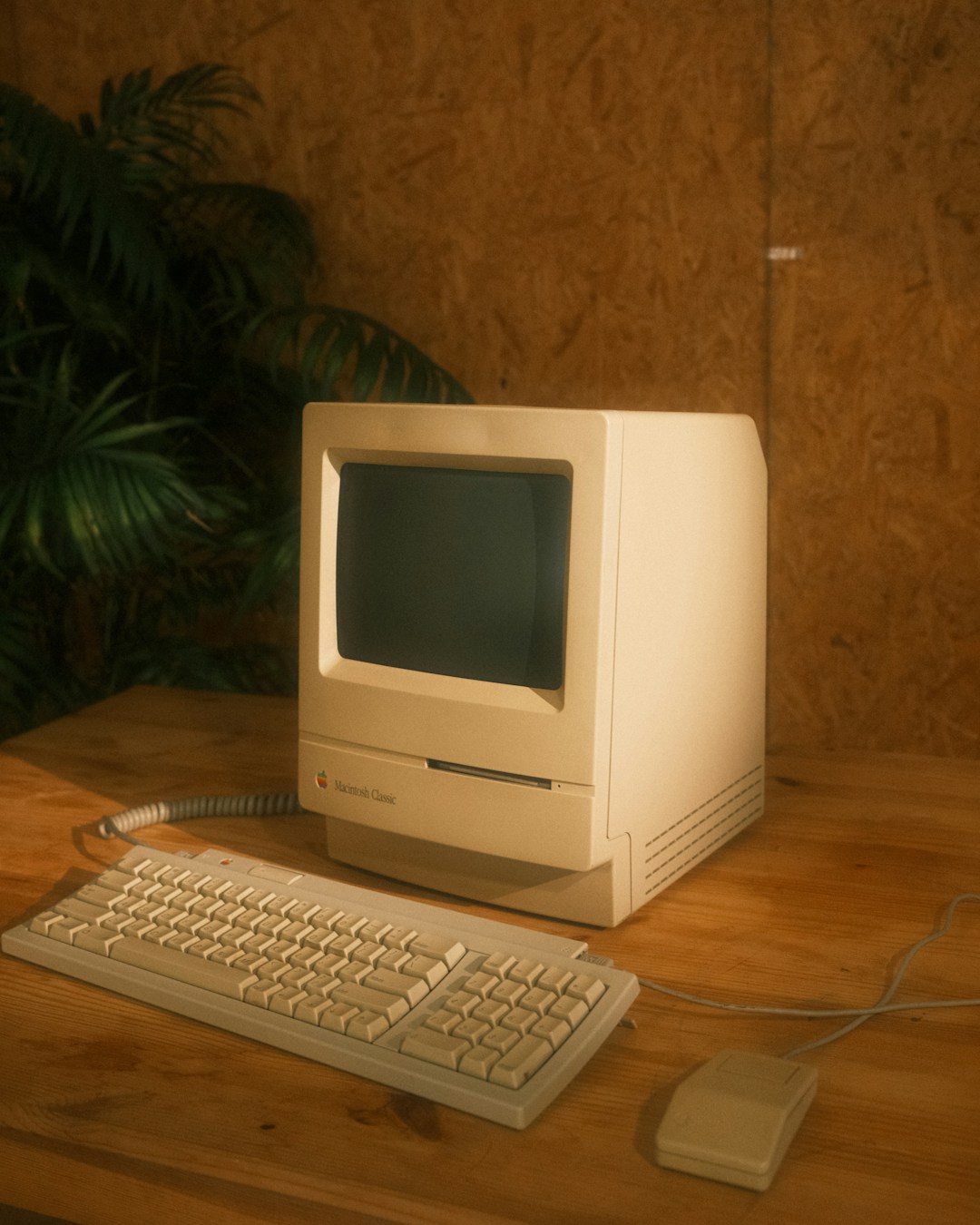
Raspberry Pi has revived its PC desktop image after a four-year gap, giving aging 64-bit x86 machines a current Debian-based option with the company’s familiar desktop environment. The new Raspberry Pi Desktop is a 2.616 GB amd64 live and install ISO based on Debian 13, with Linux 6.12, according to Raspberry Pi’s release announcement. It can run from a USB drive with persistent storage or install via Calamares.
The practical appeal is straightforward: a machine that has become too slow or unsupported for a current mainstream desktop OS may get a usable graphical Linux installation and a long support runway. Debian lists full support for Trixie through August 9, 2028, followed by LTS through June 30, 2030. The previous Raspberry Pi Desktop release used Debian 11, whose LTS period ended August 31, 2026.
There is a sharp hardware cutoff. This release is amd64-only, so it cannot revive 32-bit-only PCs, Atom netbooks, or older tablets that ran the prior image. Existing users also need a clean installation because the outgoing PC edition was 32-bit. “PC and Mac” means x86-64 PCs and Intel Macs. Apple Silicon Macs are excluded, and Raspberry Pi says Debian’s work for those systems remains experimental.
The desktop itself has moved well beyond the old LXDE-era image many users may remember. Raspberry Pi Desktop now uses Wayland and the labwc compositor, with Xwayland for older X applications. It inherits the modular Control Centre and newer optional interface features, including a dock and graphical launcher. That makes this a current Raspberry Pi OS desktop port, not a frozen legacy environment repackaged for PCs.
Compatibility remains an open question for any specific old computer. Raspberry Pi says the image should work on most PCs made in the past 15 years, a broad estimate rather than a certification program. Networking chips, display scaling, suspend behavior and proprietary graphics support are the areas to check from a live USB session before committing to an install. The company’s own announcement presents the live mode as a way to test hardware first.
The release also makes Raspberry Pi Connect available on x86 desktops. Connect lets a configured computer appear in Raspberry Pi’s browser portal for screen sharing and remote terminal access, without port forwarding. For individuals, Raspberry Pi Connect is free for unlimited devices; organizational management features cost $0.50 per device each month. That is useful for a home lab or a remotely administered spare PC, though it also means the machine relies on Raspberry Pi’s cloud-mediated service for that remote-access path.
Raspberry Pi has been unusually candid about the product’s uncertainty. Simon Long wrote that the PC version began as a side project and was difficult to prioritize because the company sells hardware, while the desktop image is free. He said the team received “two or three requests a week” for an update and intends to continue releasing it if real use justifies the work. For now, the first test is simple: boot the ISO, check Wi-Fi and graphics, then assign the machine a Connect device name if remote access is wanted.